Free template · For teams of 5 to 50
A free AI use policy, so your team uses AI more, not less
When people know where the line is, they stop guessing. Quotes and follow-up emails get a faster first draft, and a person still checks each one before a customer sees it.
Free. A 10-page PDF and an editable Word file.
Not legal advice. Have your own attorney review it before you adopt it.
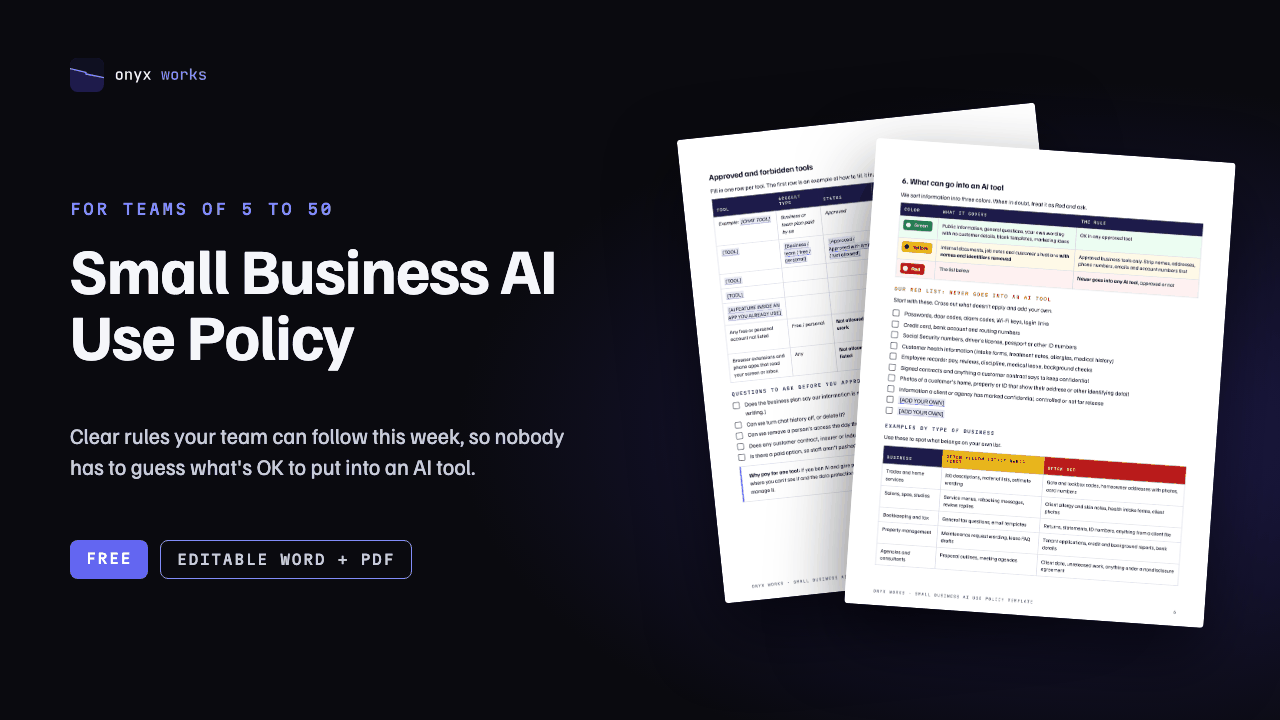
What's in the free AI use policy
Plain rules your team can read in one sitting, plus the pages that make them stick.
The policy
Fourteen short sections with blanks for you to fill in.
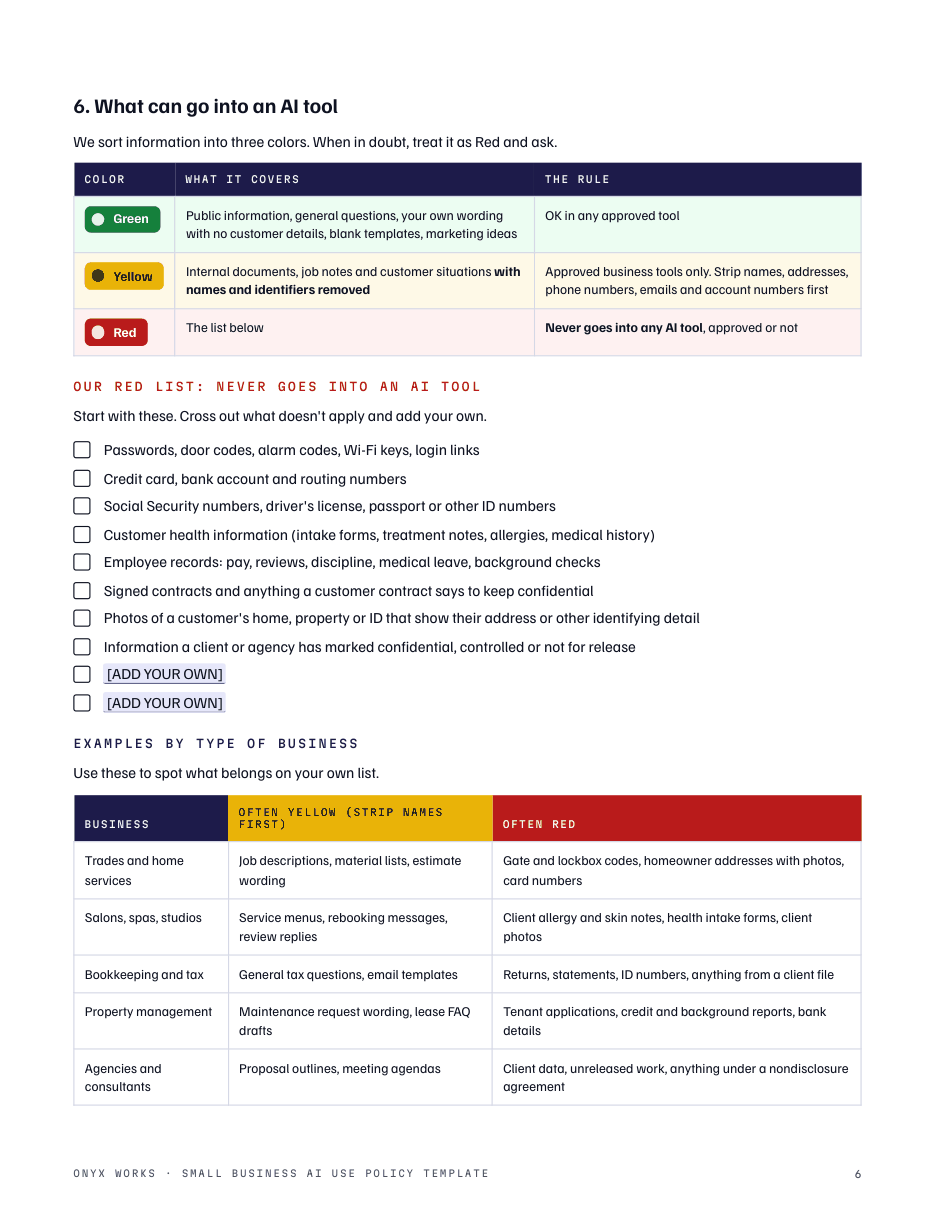
Approved and forbidden tools
One table that says which tools are OK for work.
Data traffic light
What can go into an AI tool, what needs care, and what never goes in.
Human review rules
Who checks what before it leaves the building.
Employee sign-off page
One signature per person.
Editable Word file
Add your logo, change anything, print it or send it to your attorney.
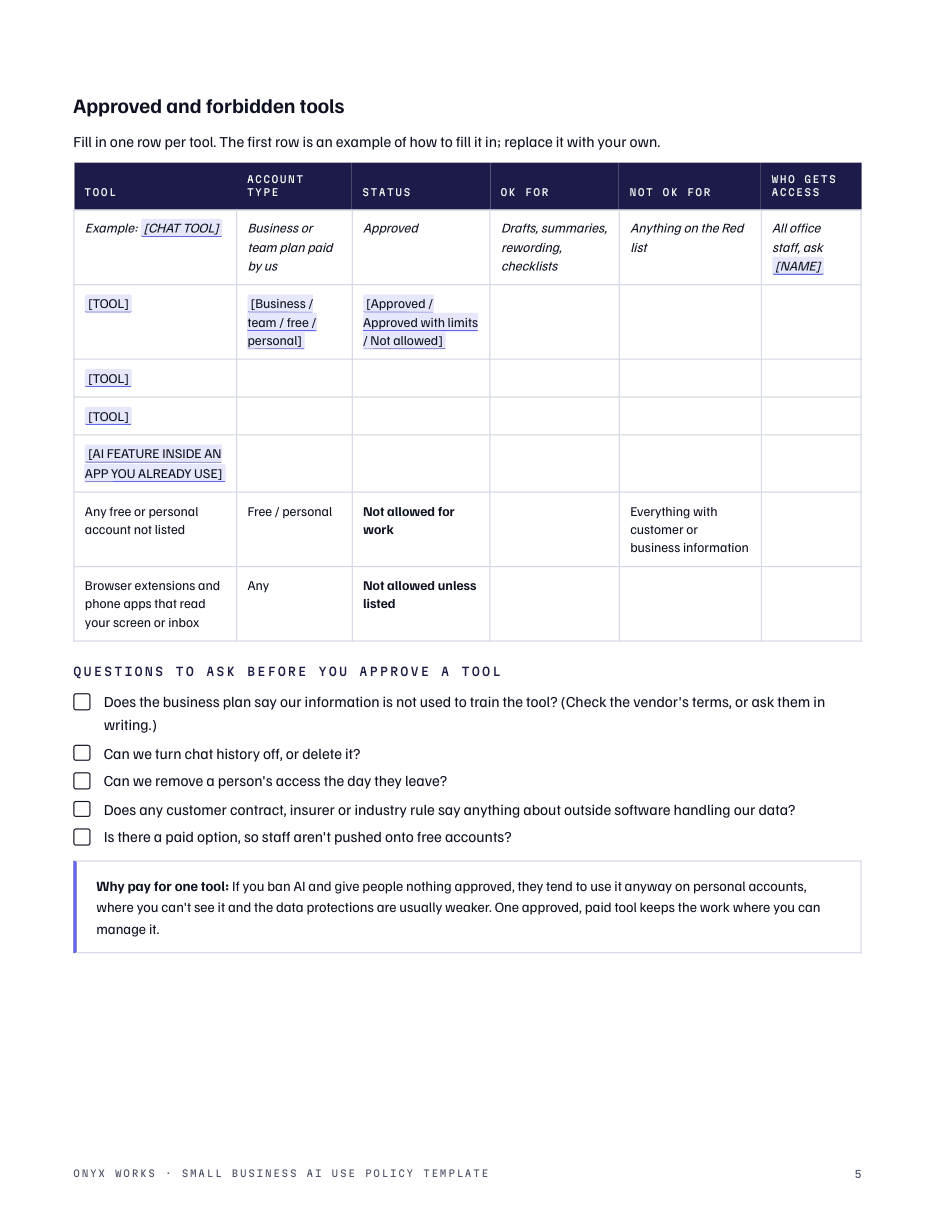
A traffic light for what goes into AI
Your team sorts information into three colors. When in doubt, they treat it as red and ask.
Green
Public info, general questions, your own wording, blank templates.
OK in any approved tool.
Yellow
Job notes and customer situations, with names and other details taken out.
Approved business tools only.
Red
Passwords and codes, card and bank numbers, ID numbers, health info, staff records.
Never goes into any AI tool.
Adopt the policy this week, in five short sittings
No committee. One owner or manager can do it. The times are rough guides, not promises.
- MonFill in the blanks in sections 1 to 4. Pick who owns the policy.About 30 min
- TueAsk your team the four questions. Fill in the tools table.About 30 min
- WedWrite your red list: what never goes into an AI tool.About 30 min
- ThuSet your review rules. Send the draft to your attorney if you have one.About 20 min
- FriWalk the team through the policy and the traffic light. Collect signed pages.About 30 min
Four questions to ask your team first
Ask at a team huddle, or on an anonymous form. Make it clear nobody gets in trouble for the answer.
- 1Which AI tools do you use for work now, if any?
- 2Is that on a free or personal account, or one the business pays for?
- 3What do you use it for? Emails, quotes, scheduling, notes, something else?
- 4What's one task you wish AI could take off your plate?
Get the free AI use policy template
Made for service businesses of about 5 to 50 people. If your people write to customers, quote jobs, keep records or answer the phone, it fits.
Trades and home services, salons and spas, studios, cleaning companies, bookkeeping and tax offices, agencies, property managers, clinics and practices, and real estate teams.
Not legal advice. Have your own attorney review it before you adopt it.
Book a free Time-Back CallWant the manager's side? The AI Manager's Guide: the 30-day plan, the team briefing script and the forms. $27.